
What happens to each dictation?
When you stop dictation, Dictate Bar finalizes transcription and appends the new entry to your running notes file. Existing entries are preserved.
MACOS MENU BAR APP
Dictate Bar captures speech from your menu bar, transcribes it, and appends each finished entry to a single notes file. Small tool, focused job.
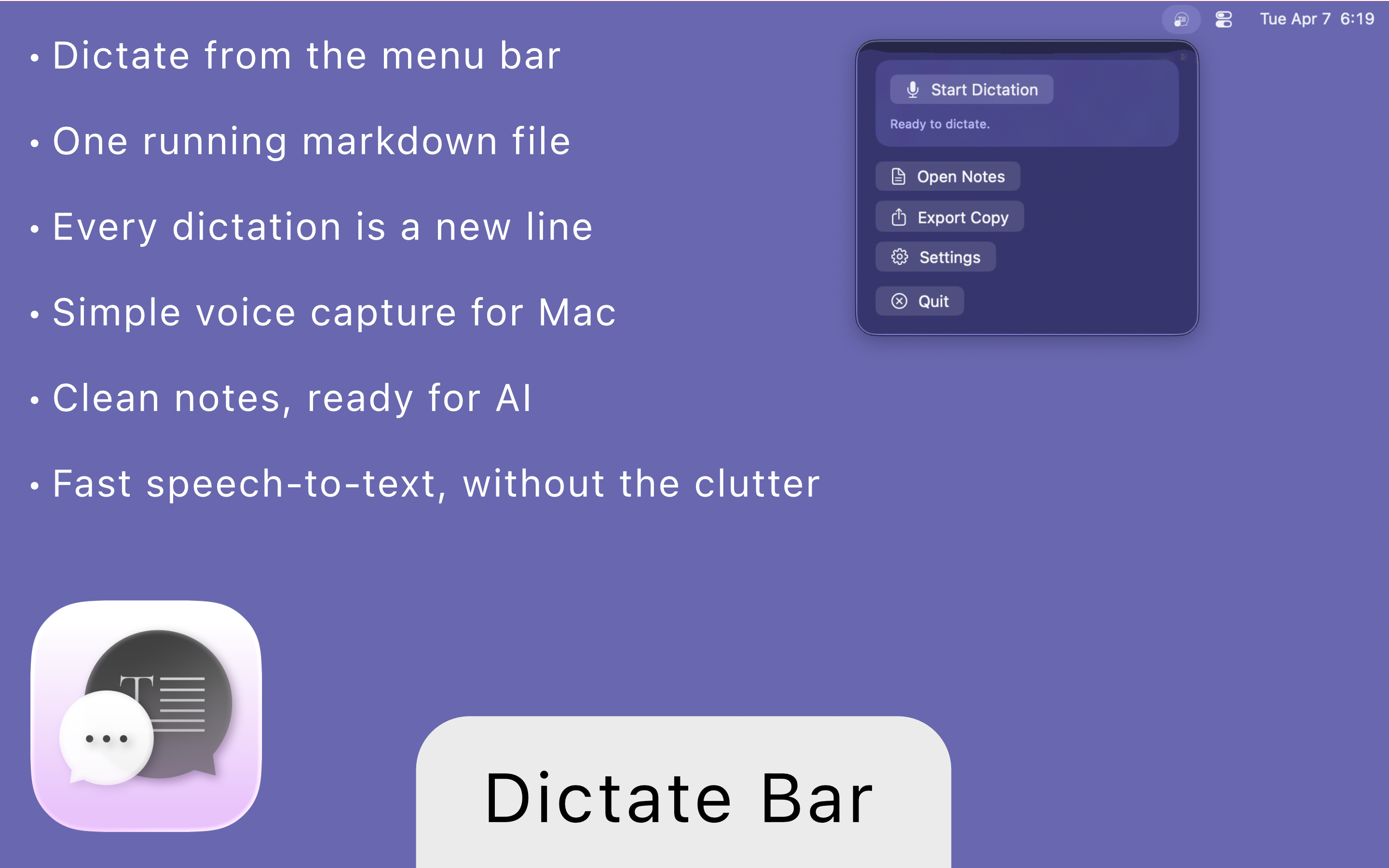
Designed for low-friction capture on Mac: quick dictation, clean storage, and export-ready notes.
ONE-FILE WORKFLOW
Every finalized dictation is appended to the same markdown file, so context stays in one place.
When you stop dictation, Dictate Bar finalizes transcription and appends the new entry to your running notes file. Existing entries are preserved.
Entries can include bullets and timestamps depending on your settings. The result is simple markdown/plain text that is easy to search, reuse, export, and use with AI tools.
WHY IT'S USEFUL
Dictate Bar is for people who want fast voice capture without switching between multiple apps and files.
Dictate from the menu bar and keep momentum when you are in the middle of real work.
Plain text and markdown stay readable, searchable, and reusable in the tools you already use.
Clean structured output works well when pasting notes into AI workflows for summarizing, planning, or drafting.
FEATURES
A restrained set of features designed for fast speech-to-text capture on Mac.
Start and stop dictation from the menu bar with no full notes app to manage.
Each finalized dictation is appended to the same file so your context stays continuous.
Add timestamps and bullet-style formatting when you want structured entries.
Open the running notes file in your default editor with one click.
Export a copy when you need to share, archive, or hand notes to another workflow.
Optional hotkey, locale selection, and practical settings without unnecessary complexity.
FAQ
Dictate Bar is for people who want quick capture from voice to text, prefer one running file over fragmented notes, and value clean markdown they can move between editors and AI tools.